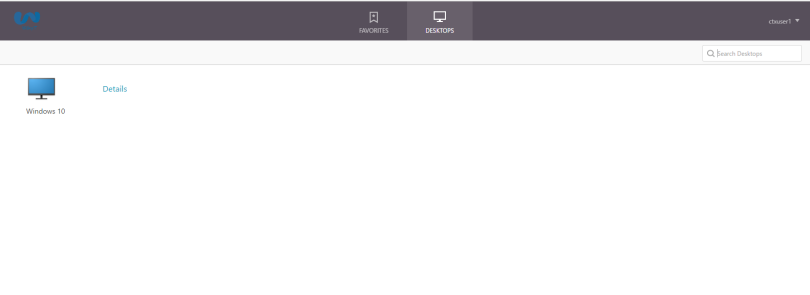
Client choices are the logon choices received by a user who logs on to a NetScaler Gateway. These choices can be determined by creating a session policy and profile. There can be up to three icons representing the following logon choices:
- ICA Proxy
- Clientless VPN
- Full VPN/Network Access
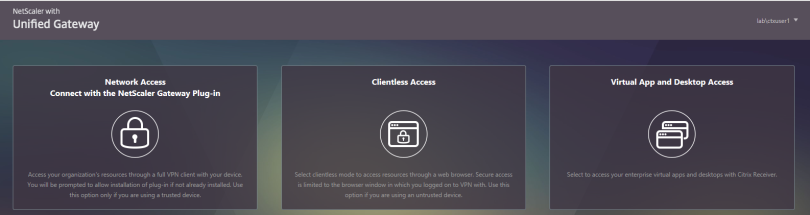
To disable/prevent the above page from display, follow the below tasks:
Step 1: Edit the session profile is from Configuration tab >NetScaler Gateway -> Policies-> Session.
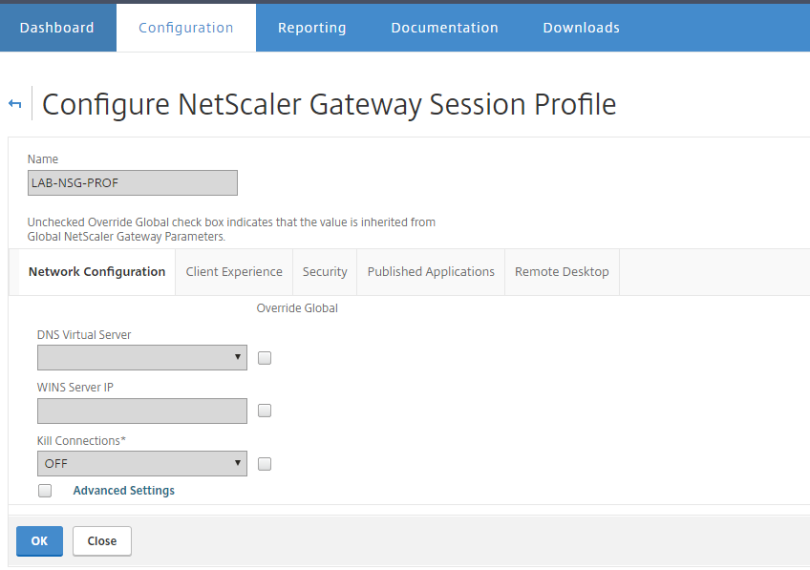
Step 2:Select Client Experience
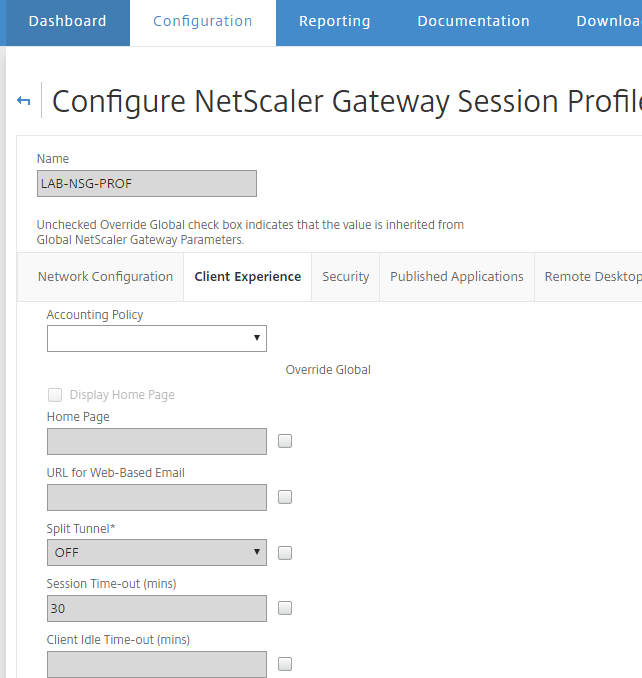
Step 3: Scroll down to Advance Setting and tick to enable,and the tick the box to the right of Client Choices ensuring the left box remains unticked (as this disables it)
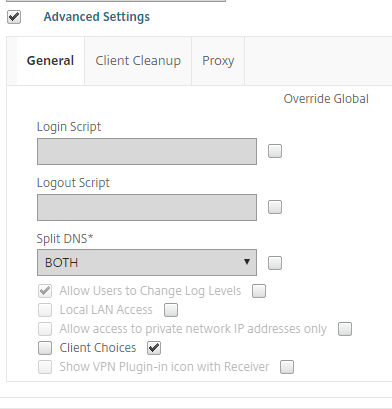
Step 4: Logging into Netscaler Gateway page will go straight to the storefront and display your assigned list of applications.